- Systems
- System
- Controls
Controls and the map
Every default key on keyboard and gamepad, how to change them, the touch buttons, and the map of each place (key M).
Quick facts
- Type
- Systems
On this page
Default keys
| Action | Keyboard / mouse | Gamepad |
|---|---|---|
| Attack | Left mouse button | RT |
| Dodge | Q | LB |
| Weapon art | E | RB |
| Skills of the 4 slots | 1, 2, 3, 4 | LT + A / B / X / Y |
| Use a potion | R | X |
| Sprint | Left Shift (hold) | L3 (press) |
| Shift lock (camera) | Ctrl | - |
| Weapon out / on the back | X | R3 |
| Status window | C | D-pad left |
| Daily orders | J | D-pad right |
| Bag | I | D-pad up |
| Guild | G | D-pad down |
| Party | L | Menu > Social |
| Skill trees | K | Menu |
| Map | M | Menu |
| Shop | B | Menu |
| Options | P | Menu |
| Awakened on this server | Tab | Menu |
| Every window | - | Select |
Change them in Options > Controls (P): most actions can take another key, and the gamepad's main buttons can be swapped. On a touch screen the combat buttons are on screen: their size, opacity and place can be changed there too.
The map (M)
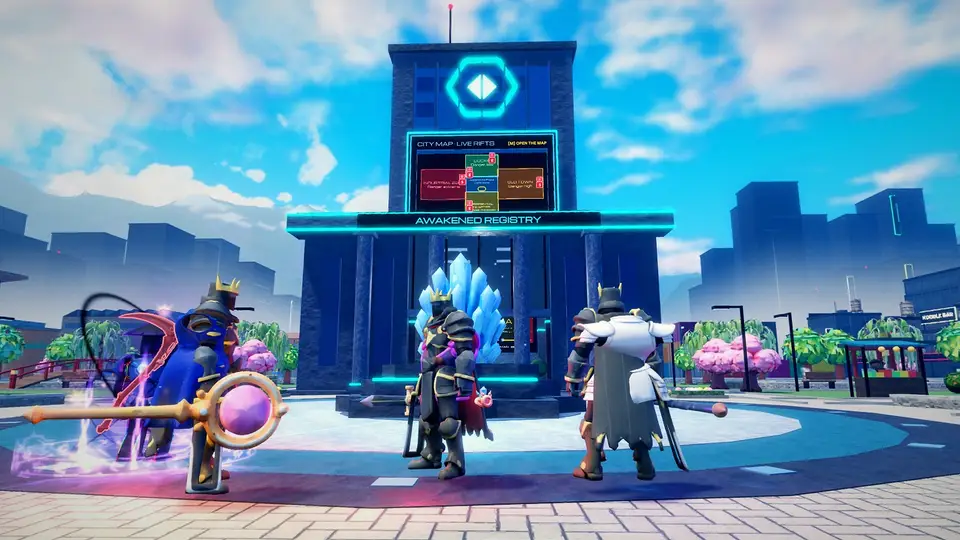
- In the city: the districts by danger, the open rifts and breaks, the places' icons and your marker.
- In a dungeon: the dungeon's map, north up: zoom with the wheel or a pinch, drag it, RECENTER to follow you again.
- Elsewhere: the training grounds, the colosseum, the Endless Tower (its arena, the monsters still standing, the guardian and the portal) and the seasonal isle have a map of their own.
Something missing or wrong? Anyone can edit this page.
Edit this pageTalk about this page
Share tips, report a mistake or ask a question: the forum keeps the conversation next to the page.